Health connections
How to track food in Apple Health and check what appears
By Uptick3 min read
Apple Health can hold dietary energy, protein and other nutrition measurements. To record an occasional value, choose the nutrient in Health and enter the amount yourself. For a meal with several ingredients, a food diary can keep the portions together and share the nutrient values you choose with Health.
Think of a pot of yoghurt. Your diary can tell you which yoghurt you ate and how much of the pot. In Health you might want to see how many grams of protein that added on Tuesday. Starting with the question you want answered makes the permissions easier to choose.
Add one value directly in Health
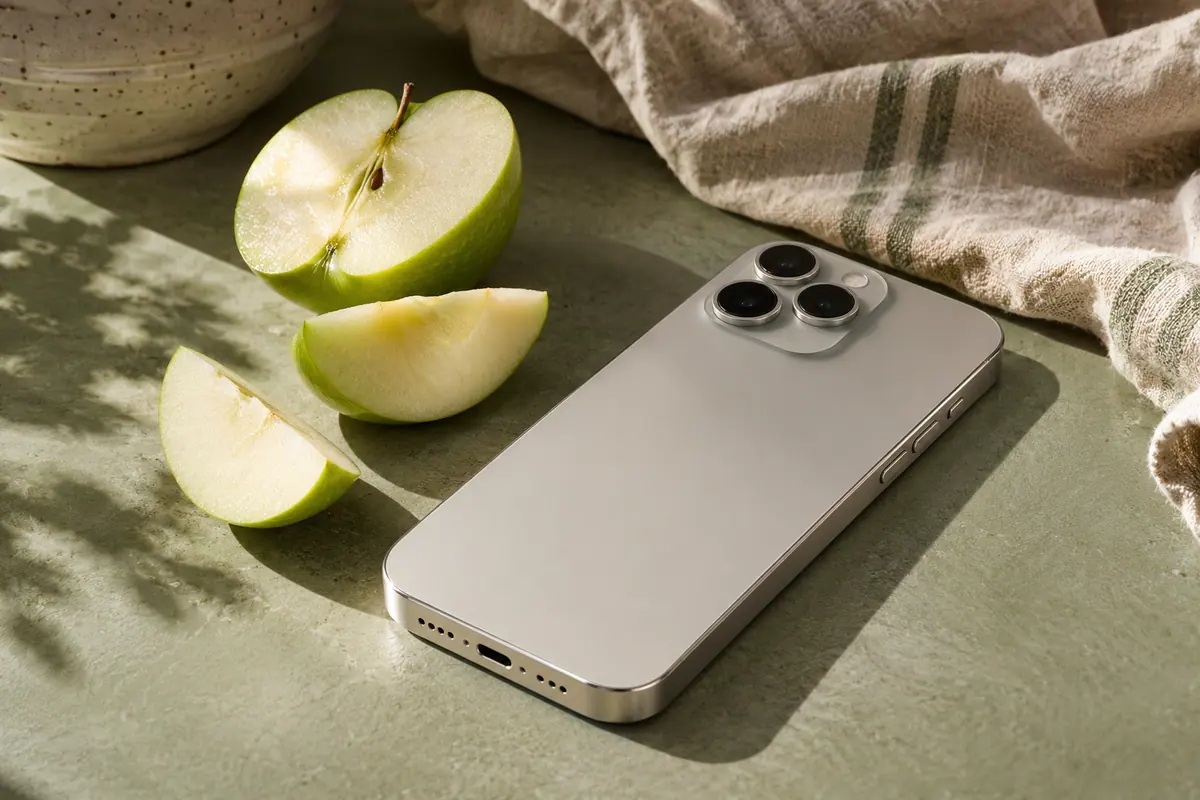
Open Health on your iPhone. Use Search to find a nutrition measurement such as Protein or Dietary Energy. Earlier iOS versions may call the category tab Browse. Open the measurement and look for Add Data. Choose the date and time, check the unit and enter the amount for the portion you ate.
Suppose the yoghurt label gives 10 g of protein for a 150 g pot and you eat half. The protein entry is 5 g. That entry adds a protein measurement. If you also want energy in Health, use the separate Dietary Energy measurement and the energy value for the same portion. The 75 g food weight belongs in your portion calculation.
Find the source before adding it a second time
In Health, open the nutrient and find Show All Data. Pick the relevant date and inspect the entry and its source. Data Sources & Access on the nutrient screen tells you which apps can contribute. A daily total on its own cannot tell you whether the yoghurt came from Uptick, another tracker or a manual entry.
If you entered the 5 g manually and subsequently let your diary send the same food, check the two records before correcting anything. Decide which app will supply that nutrient going forward. Edit the original meal in Uptick if you discover your portion was wrong. Keep Uptick open while it syncs and inspect the result in Health.
Know what stays when permissions change
Reading activity from Health and writing nutrition to Health are separate choices. You can keep using the food diary without sharing it. Turning off Write nutrition stops future exports. Values already shared can remain in Health. To inspect one, use its date and source and take care to select the intended record before deleting it.
An energy or protein history in Health is useful for viewing amounts alongside other activity. It does not preserve your saved recipes, portion choices and meal structure as a restorable Uptick diary. If you are changing phones, keep the original device available while checking which records made the move.