Our purpose
Why nutrition tracking should be free and private
By UptickUpdated 5 min read
You should be able to understand what you eat without taking out a subscription or handing over a history of your meals. That is the reason we are building Uptick. Useful nutrition tracking should be accessible, and the information you record should stay your business.
For us, a free nutrition tracker needs to do more than let you enter today’s breakfast. It needs to help you make sense of your diary, set goals and look back at your progress. Those are the everyday essentials. They belong together.
Food is information you can use
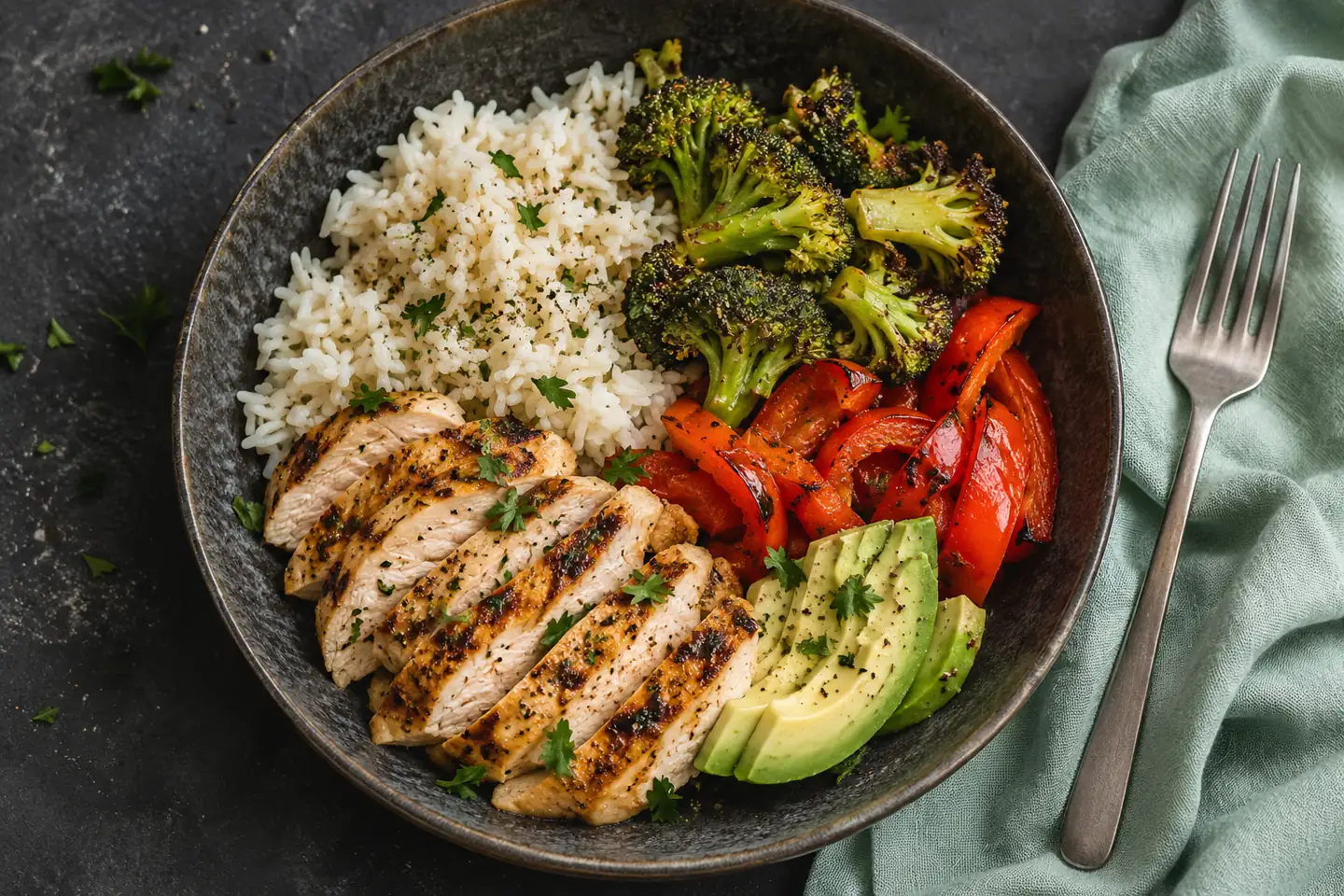
A diary becomes useful when it answers an ordinary question. What is in the lunch you eat most days? Which meals are easy to repeat? What changed during a busy week? Seeing your own entries together gives you something concrete to work with.
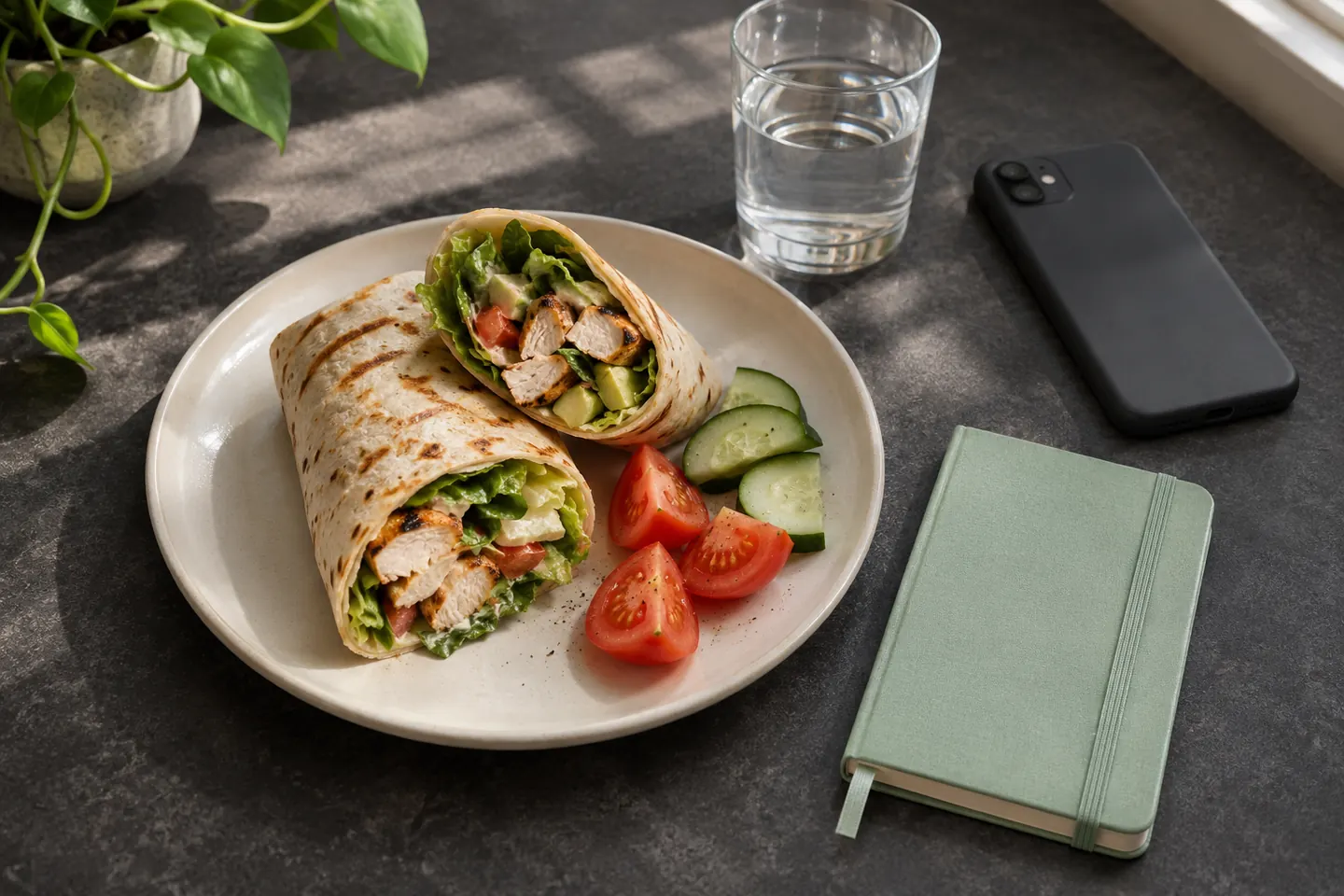
We believe tracking should leave room for real life. A meal out belongs in the same diary as your usual breakfast. A day that goes differently does not need to be hidden. The point is to build a record you can understand, with enough context to decide what comes next.
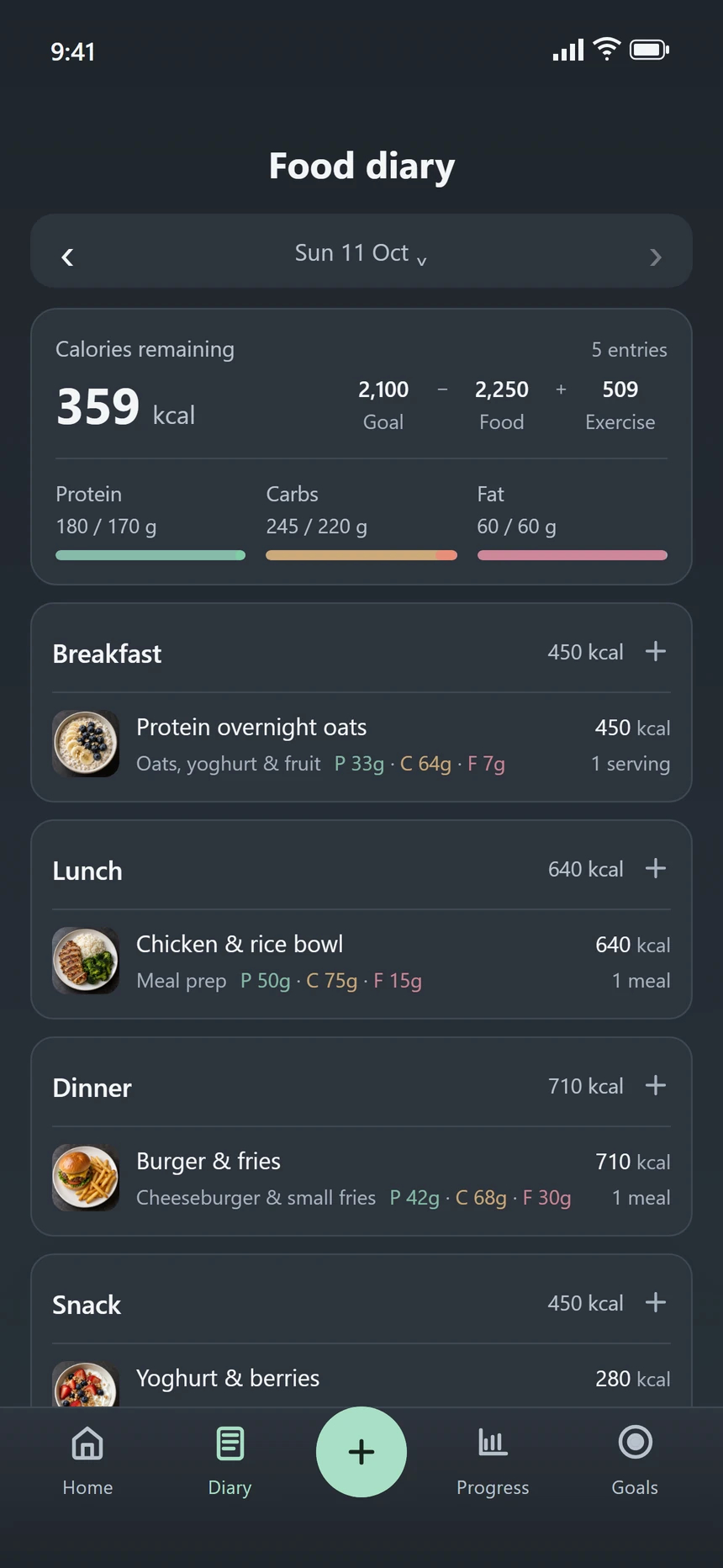
That is why Uptick brings food logging, nutrition targets and progress into one place. You can record calories, protein, carbohydrates and fat, then step back from an individual meal to review your week or month.
Free should include the part where it becomes useful
If recording information is free but understanding your own history requires payment, the useful part of the experience is still out of reach. We think access to a food diary and access to its patterns should go together.
Uptick’s core app includes food search, barcode scanning, manual food entry, saved meals, your diary and targets, progress, and weekly and monthly reviews. Photo and voice meal analysis also have a weekly free allowance. Community food data coverage varies, and you can enter nutrition values yourself when a result is missing.
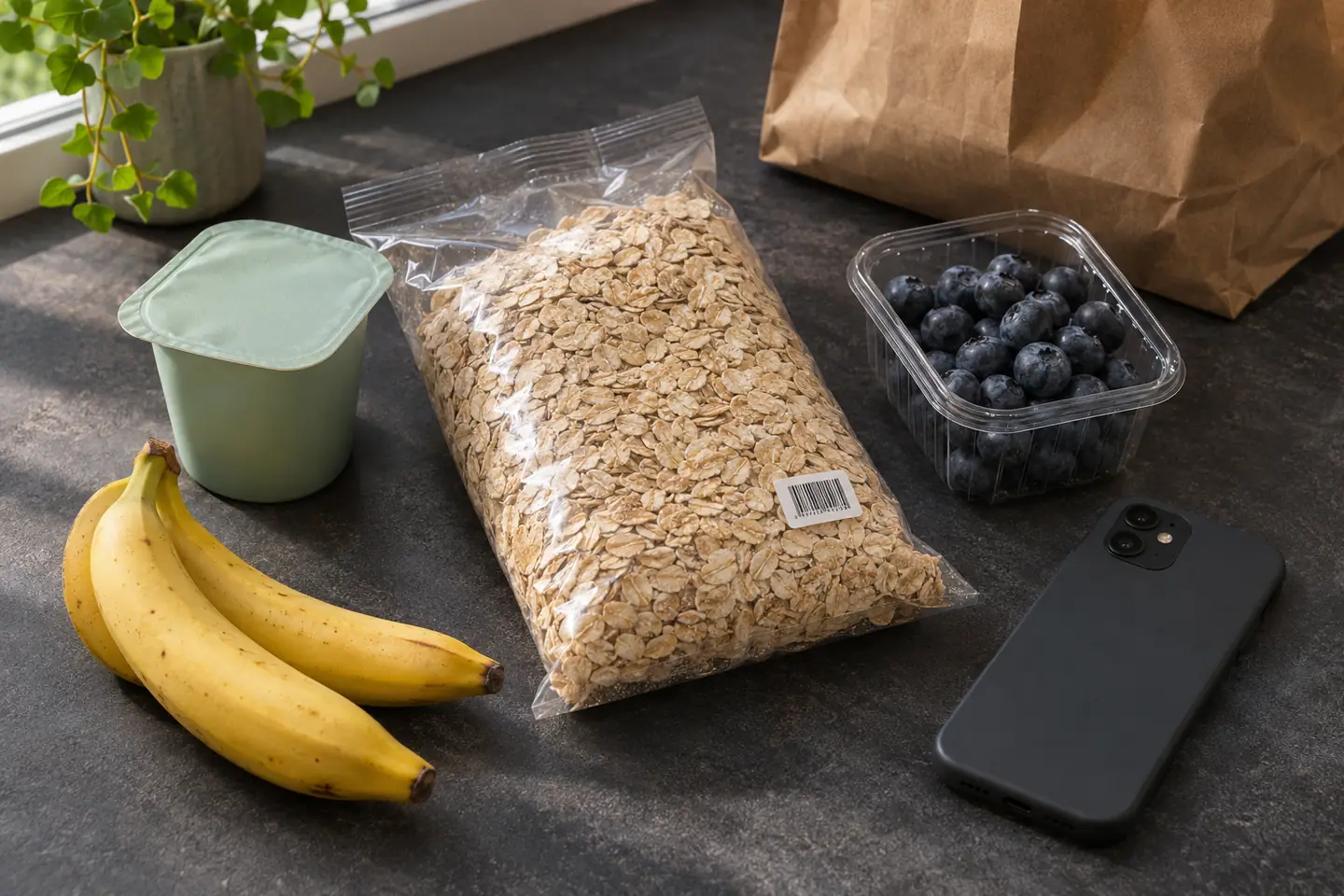
You can start with the tools that fit your routine. Scan a packaged lunch, save a regular breakfast, or enter values from a label. Then use the same app to look back. Keeping that whole loop available is what we mean by making the essentials free.
In Uptick
Your day, in one place.
Meals, portions and daily totals. The free diary keeps the record useful as your routine grows.
A private food diary starts with where it lives
Your meals, goals and body measurements can tell a personal story. We do not think you should need a public profile or a named account to keep that story organised.
Uptick stores your diary, saved meals, targets and recorded progress on your device. We do not maintain a server-side copy of that tracking history. You do not need to create a personal account with a name, email address and password. The app has no advertising or behavioural analytics integrations, and we do not sell your personal information.
Keeping your diary on your phone is part of how Uptick protects your privacy by design. It gives you a personal space to understand your habits and review your progress, with your tracking history stored on the device you use.
What happens to your diary when you change phones?
Uptick has no account-based diary backup, sync or recovery. If a working copy matters to you, keep the old phone and its app data until you have checked the new one. Review the backup and transfer settings offered by your operating system before you switch. Reinstalling the app or restoring a Premium purchase does not retrieve a diary from Uptick.
On the new phone, open a past diary date you recognise, look for a saved meal and check any history you expected to move. Nutrition in Apple Health or Health Connect can remain under that service’s controls. Those nutrient values cannot recreate your original meal names, portions and saved recipes. Clearing the old phone, deleting the app or resetting the tracking database can permanently remove your only copy.
Privacy also means being clear about what goes online
You choose which logging tools work for you. Manual logging keeps you in control of each entry. Food lookups use online services, and if you choose photo or voice meal analysis, the image or meal description you submit is sent for processing. Your device’s speech provider may also process audio.
Uptick uses an installation identifier and service records to manage access, online allowances and Premium purchases without requiring a personal account. Optional Apple Health and Health Connect connections have their own permission choices, and sharing measurements or nutrition requires permission too.
We want these boundaries to be understandable before you use a feature. The privacy policy explains the providers, information involved and controls in more detail. Privacy by design needs that clarity as well as local storage.
This website is separate from your app diary. Cookie-free analytics from a third-party provider help us understand visits to public pages where enabled. Those measurements do not include your food diary, goals or body measurements. Basic website analytics can be on by default in reviewed locations; elsewhere, we ask first. Choose Allow essential to turn them off, or change your choice using Website privacy choices in the footer.