Food logging
Free barcode calorie counter: scan, check, log
By UptickUpdated 5 min read
Uptick is a calorie and macro tracking app for iOS and Android with barcode scanning included free. Scan a packaged food, check the match and portion, then add it to your diary. You do not need a personal account.
The useful part is what happens after the scan. A barcode helps find a product record; it cannot tell how much you ate. Once you know which details to check, scanning becomes a straightforward way to record a protein yoghurt, a sandwich or the ingredients in your usual lunch.
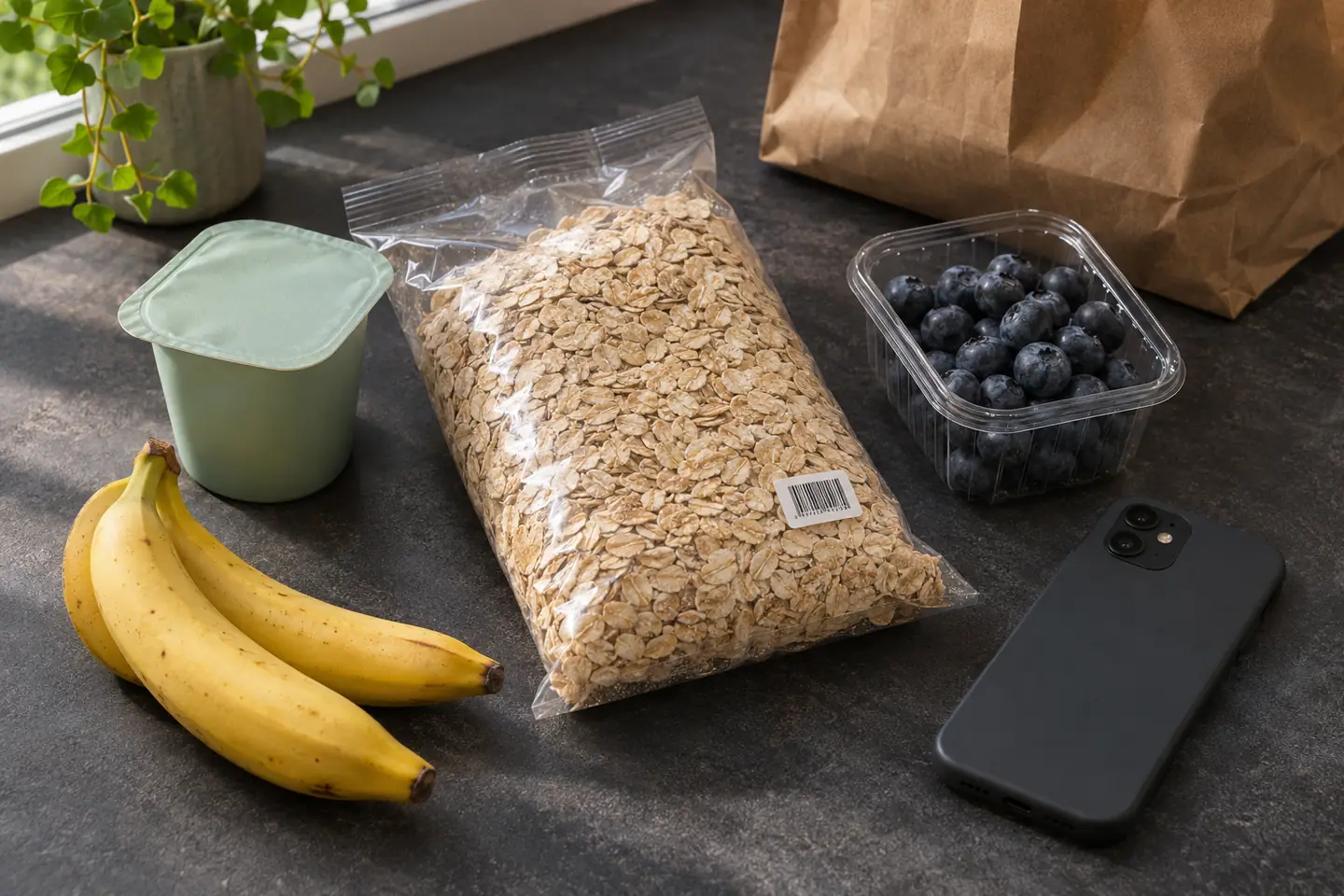
A barcode finds the food. You choose the amount.
Think of a barcode as a product identifier. The scanner reads it and looks for a matching food record containing information such as the name, brand and nutrition values. That saves you typing those details when a useful match is available.
It does not weigh your meal or read a new recipe from the packaging. A record may be missing, out of date or based on a different pack size. Check the food name and nutrition against the label in your hand, especially the first time you use a product.
The amount is a separate choice. Eating half a pot, a whole pot or two pots should produce different totals. A quick portion check is what turns a found product into a useful diary entry.
Try it with the next packaged food you eat
A yoghurt pot is a good first scan because the label and pack weight are easy to compare with the result. Keep the packaging beside you until the entry is saved. You can use the same process for a snack, drink or supermarket lunch.
There is no need to record a perfectly planned day to learn the process. Start with one thing you are already eating, and check that its entry tells the same story as the package and the portion in front of you.
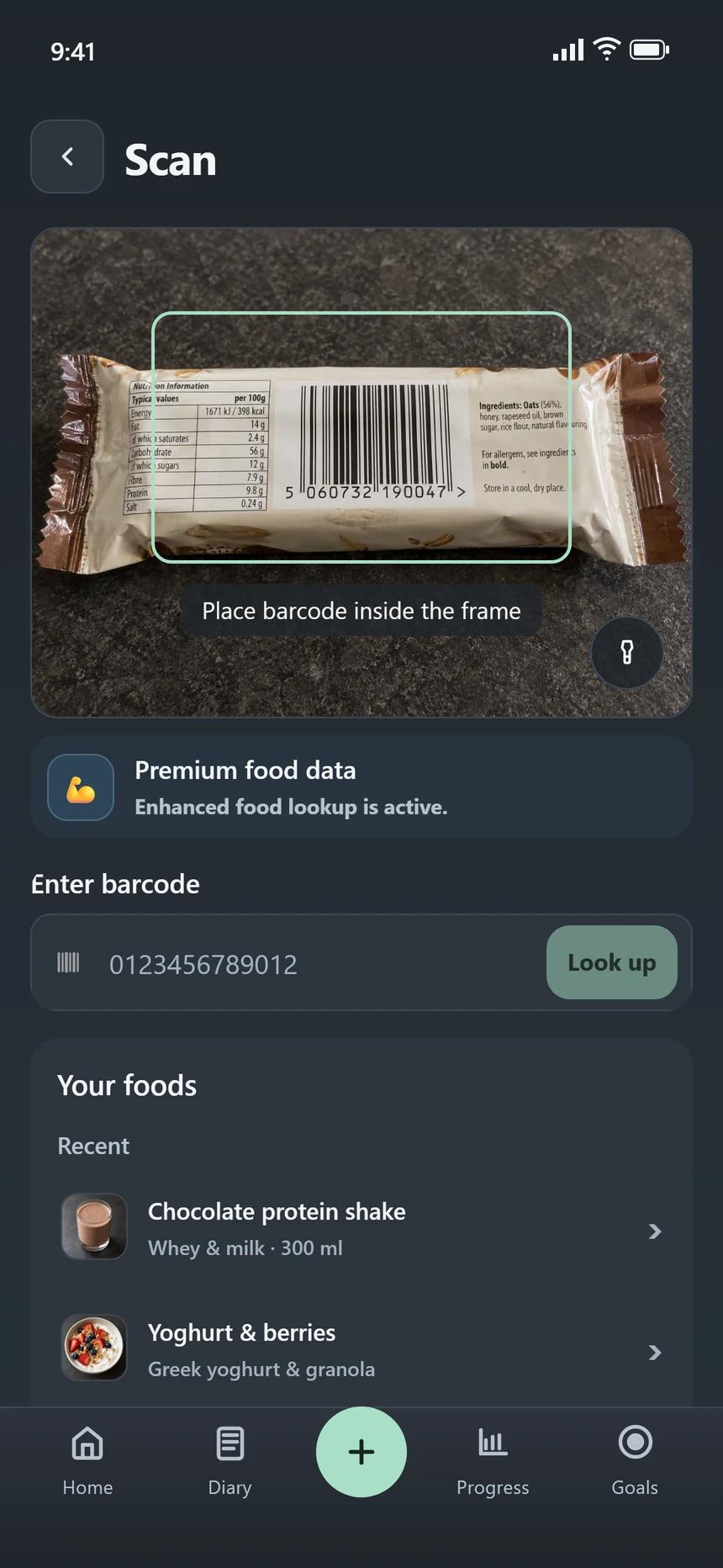
- Open barcode scanning in Uptick and scan the barcode on the packaging.
- Check the returned product name, brand and nutrition values against the label.
- Set the amount you ate, checking whether the unit is grams, millilitres or a defined serving.
- Log the food, then check its calories and macros in your diary.
In Uptick
Find it with a scan.
Barcode scanning is included free. Check the match and your portion, then make it part of your day.
Check whether the label means per 100 g or per pot
Nutrition labels commonly show values per 100 g or 100 ml. They may also show values for a portion, but that portion is not necessarily the amount you eat. The NHS food-label guide explains this distinction. It matters just as much when a barcode has found the food for you.
Take Arla’s UK Protein Strawberry Yogurt 200 g pot. Its published panel gives 62 kcal and 10 g of protein per 100 g. The full pot therefore gives 124 kcal and 20 g of protein. If you eat 150 g, multiply each per-100 g value by 1.5. The result is 93 kcal and 15 g of protein. Use the panel on your own pack in case the recipe or size has changed.
An entry based on 100 g can scale to the amount you choose. An entry based on “one pot” needs the correct pot size. Avoid entering a whole-pot figure as a per-100 g figure, then scaling it again. If a total looks unexpectedly large, check the basis and quantity before changing anything else.
If the match is missing, keep the label
No food database covers every product in every shop. A missing result does not mean you cannot log the food. Search for the product by name and brand, or use manual entry to record the nutrition from its packaging.
If a result looks similar but differs from your label, do not assume it is close enough just because the name matches. Check the product variant, pack size and preparation instructions. Flavours and recipes can differ, and manufacturers can change a product over time.
On a UK Arla pot, even the word “strawberry” and the 200 g weight do not identify the exact product. Arla also lists a strawberry pouch. Compare the format, label and barcode before accepting a suggested match. If the scanner shows the pouch, choose a correct search result or enter the pot’s portion manually.
When adding the 150 g portion manually, name it clearly and enter the portion’s 93 kcal and 15 g protein together with the other nutrition you can verify. Choose one serving of that amount. Using the whole-pot calorie figure with per-100 g macros would mix two different quantities.
The diary is part of the free app too
Once logged, the food contributes to your recorded calories and macros for the day. Uptick’s free tools include the diary, targets, saved meals, progress and reviews, as well as barcode scanning, food search and manual entry. You can look back at what you recorded without buying a subscription.
If the same ingredients make up your regular lunch, save the meal so you have a starting point next time. Check what changed before logging it again. A larger portion or a different sauce still belongs in the new entry.
Your diary is stored on your device and does not require a personal account. Food lookups use online services; local diary storage does not mean every scanning operation happens offline. Uptick’s privacy policy explains that boundary and the information used to provide online features.