Food and habits
Macro tracking for beginners, one meal at a time
By Uptick5 min read
Macro tracking means recording the protein, carbohydrates and fat in the food you eat. A food diary can show those amounts alongside calories, so you can get to know your usual meals and compare your recorded intake with targets you have chosen.
You do not need to turn every meal into a maths exercise to begin. Start by learning how food entries and portions work, save the meals you repeat, and give yourself a way to review what you have recorded. This guide walks through that routine.
What do calories and macros tell you?
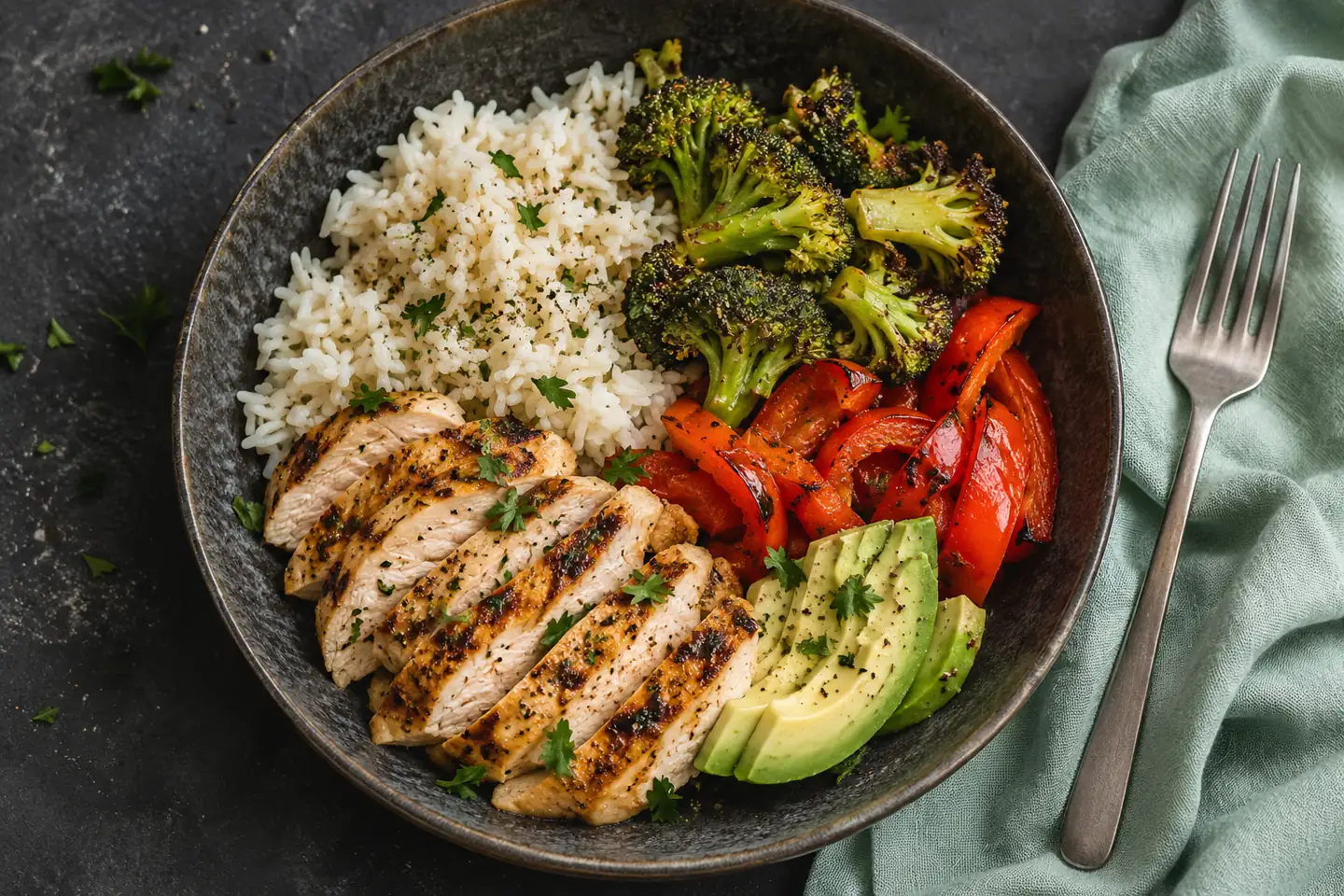
Calories describe energy. Macros describe amounts of protein, carbohydrate and fat, usually in grams. Looking at both lets you ask more specific questions about a meal than a calorie total alone.
Macro totals are still only part of understanding food. Variety, fibre and other nutrients matter too. The NHS Eatwell Guide describes balance across food groups over a day or week, without expecting every individual meal to match the whole pattern.
A tracker gives you a record. It does not establish which targets are right for you. If you need individual advice about nutrition goals or a medical condition, a registered dietitian can help you choose an appropriate approach.
Start with a meal you know
Your usual breakfast is a useful place to learn the process. Search for the foods, check the product or brand, then set the amounts you ate. For packaged food, a barcode can help find the entry, but check the result against the packaging.
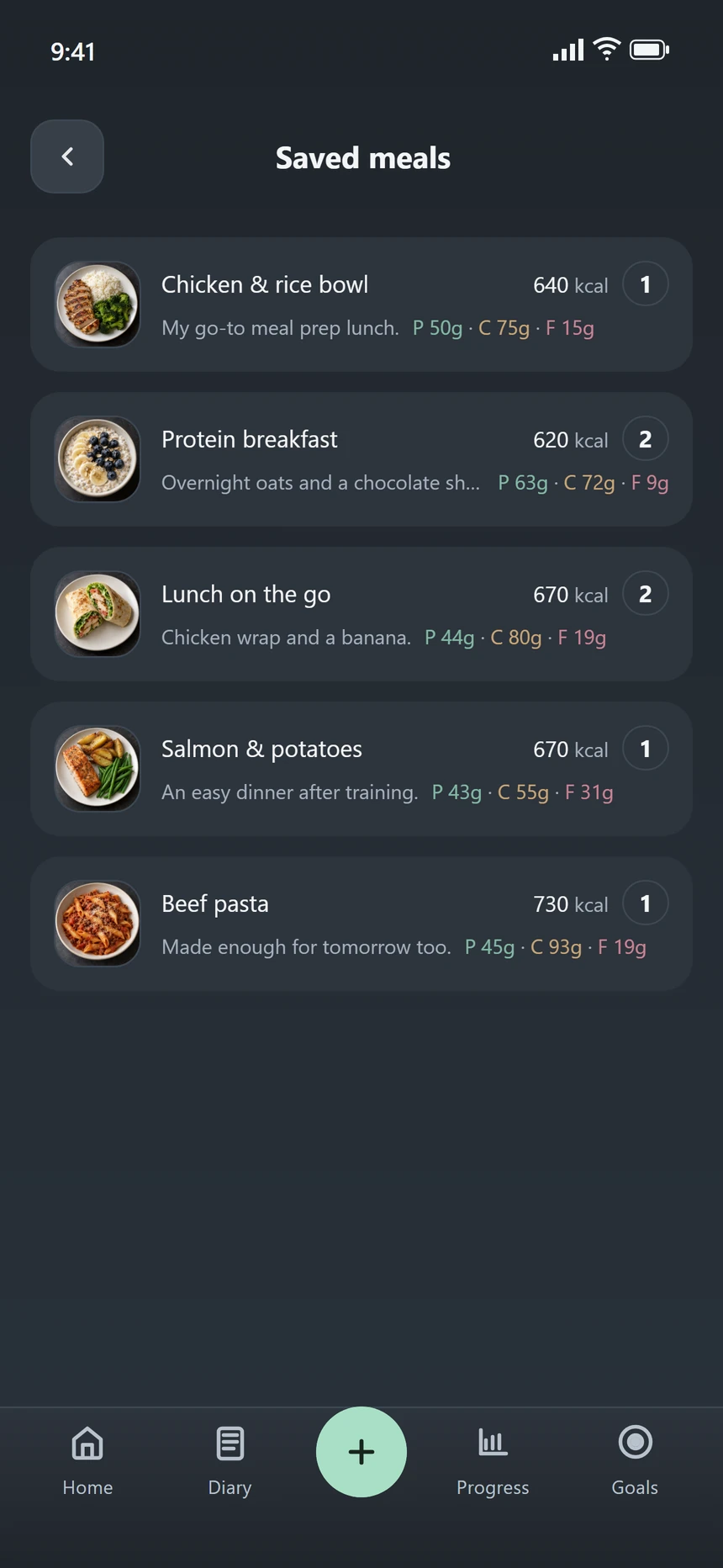
In Uptick you can search, scan or enter food manually. Once a regular meal is recorded, save it so you can use it again with the portions you choose. This is particularly useful for meals with several ingredients. You check the details once, then have a starting point for the next time.
- Check that the result is the food you ate, including the brand where it matters.
- Check the amount and unit, such as grams, millilitres or a stated serving.
- Match the entry to the food’s preparation, such as dry pasta or cooked pasta.
- Include the ingredients you want reflected in the total, including milk, oils or sauces.
In Uptick
Keep your regulars ready.
Save a meal you repeat, then choose the portions when you log it again.
Learn the difference between per 100 g and per portion
Nutrition labels commonly give values per 100 g or 100 ml and may also show a suggested portion. Your portion might be different. The NHS food label guide explains how these figures are presented.
For an illustrative example, imagine a food with 8 g of protein per 100 g. If you eat 150 g, that portion contains 12 g of protein. The calculation is 8 × 150 ÷ 100. A tracker can scale an entry for you once you choose the correct base values and amount.
Take particular care with entries labelled “one serving”. A serving of cereal, a slice of bread and a whole packet are different amounts. If a diary total looks surprising, check the units and portion before assuming the food itself is unusual.
Use photo and voice logging as a starting point
A meal description or photo can make it easier to start an entry, especially when you have several foods on one plate. In Uptick, those optional features estimate foods, portions and nutrition. Check the result and edit the saved entry when needed.
A photo may not reveal what is inside a sauce or how much oil was used. A spoken description may miss an ingredient. Treat an analysis as something to review, and use packaging or your own recipe details where available.
Uptick includes a weekly free analysis allowance. Premium adds more analyses and access to additional food datasets. Manual logging, barcode scanning, the diary and macro targets are part of the free core app. Online analysis sends what you submit for processing, while your diary is stored locally.
Review a week before changing everything
Once you have several days recorded, look for a pattern you can describe in a sentence. Perhaps the lunch you thought was identical changes with its portion. Perhaps your easiest meals are already saved, but busy evenings are harder to record. Those observations give you a more useful next step than chasing a flawless diary.
Check how complete the record is before interpreting totals. A day with a missing dinner is a partial food log. It should not be treated as proof that you ate less. Make corrections you can reasonably make, then review the information with those gaps in mind.
Uptick’s weekly and monthly reviews let you look beyond the meal in front of you. Choose one practical next step, such as saving a regular lunch or checking a frequently used portion. You can keep learning without rebuilding your routine every Monday.