Food logging
Photo and voice food logging: how it works and what to check
By Uptick5 min read
Uptick can estimate a meal’s foods, portions, calories and macros from a photo or description. You can check and edit the result. The free plan includes a weekly allowance for photo and voice analyses. Premium increases that allowance.
The appeal is simple: get the meal into your diary without searching for every ingredient individually. A useful result still needs to describe what you ate. Here is how to choose an input, give it enough context and make the corrections that matter.
Choose the easiest way to describe this meal
Different meals suit different tools. A barcode is useful for a packaged product with a nutrition label. A photo can give an overview of several visible foods on a plate. Voice is useful when you know details that are difficult to see, or would rather say the meal than enter each part.
For a homemade meal you repeat, a saved meal may be the quickest starting point once you have checked its ingredients. Photo and voice logging give you more options; you can choose whichever fits the food and the information you have.
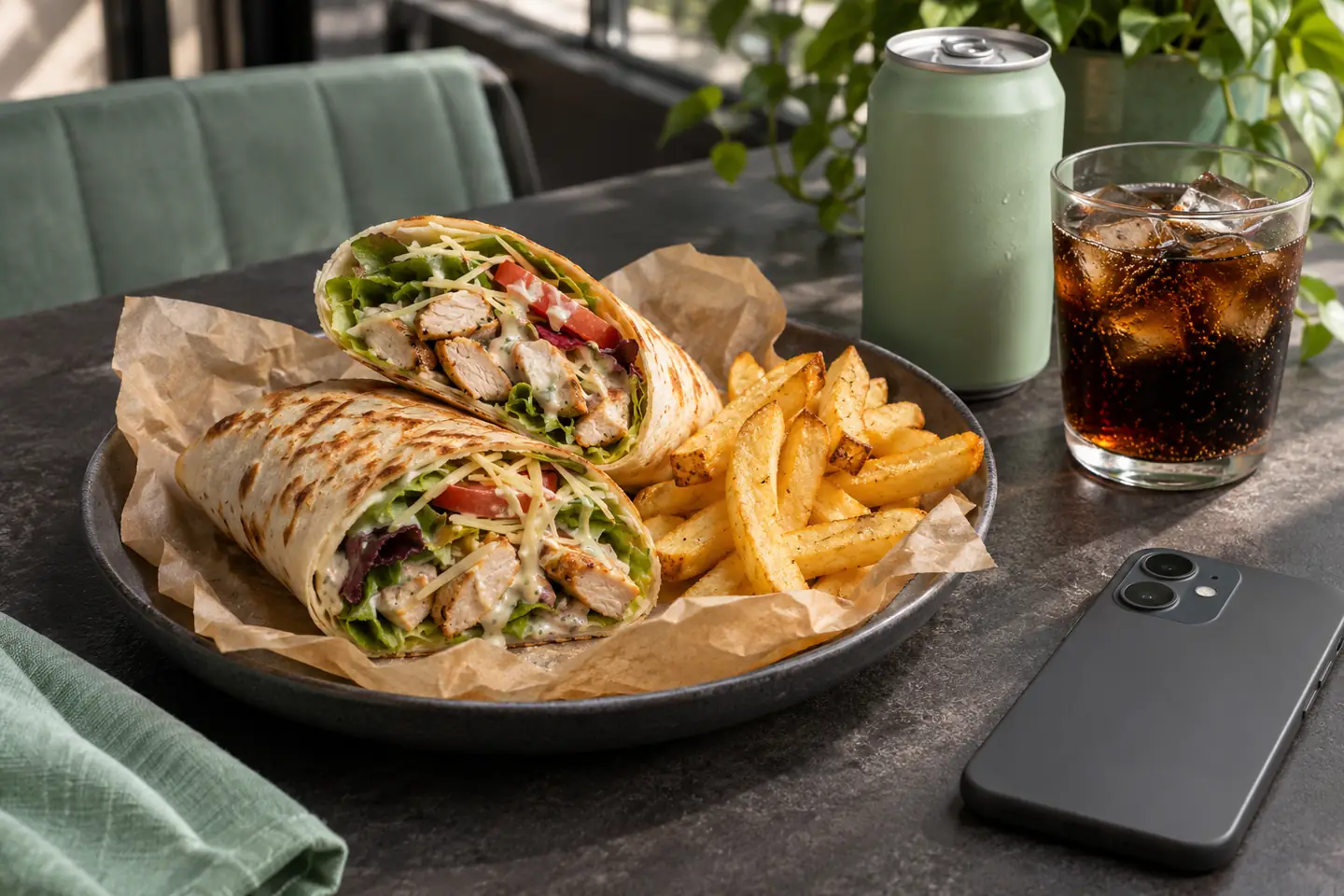
Consider a chicken wrap with cheese, mayonnaise, a portion of chips and a can of Coke Zero. A picture shows the plate. Your description can add the filling, sauce and drink type. Neither input needs to become an elaborate script, but those details help distinguish one lunch from another.
For a photo, make the whole meal visible
Use a clear photo with the food in view. Include the sides and drinks you want considered, and avoid hiding part of the plate behind a cup or another dish. A view of the whole meal gives a better starting point than a close-up of one ingredient.
A photo does not reveal everything. The wrap may hide the amount of chicken, cheese and mayonnaise. A clear drink might be water, a sugary soft drink or a zero-sugar version. Cooking oil and ingredients blended into a sauce can be difficult to identify from appearance alone.
In Uptick’s photo flow, you review the analysis before continuing to log. Compare the listed foods with the plate and check the suggested portions. Use what you know about the meal to correct an assumption, especially where an ingredient is hidden or a product has a specific label.
For voice, say what you know
A useful description could be: “A large chicken wrap with cheese and mayo, a small portion of chips, and a can of Coke Zero.” It identifies the main food, important additions, a rough portion and the drink. Add a known weight, brand or restaurant when it matters and you have that information.
You do not need to invent grams for every ingredient. If you know it was one wrap but do not know the filling’s weight, describe one wrap. Uptick can estimate a starting portion from the description, and you can check whether that estimate is reasonable.
Voice logging saves the analysed meal and opens an editable entry. Check it there and make any needed changes. This differs from the photo review flow, so do not assume a voice result is still waiting for a separate “Log meal” decision.
Check the food first, then the portion
Begin with identity: did the result recognise the meal you meant? A wrap, a sandwich and a plate of chicken are different starting points. Then look for missing ingredients or extras you did not eat. A side included by assumption should not remain in the entry if it was not part of your meal.
Next, check quantities and units. One wrap should not become two; a can should not become a large bottle. If the result assumes more sauce than you used, adjust it. For the example lunch, changing a regular cola to the Coke Zero you actually drank is a meaningful correction.
Finally, compare with better information where you have it. Use the label on a packaged product, the restaurant’s nutrition information for the relevant item, or your own recipe and ingredient amounts. An estimate is a starting point, not a reason to ignore a known value.
- Food: does each item match what you ate?
- Amount: are the portion, unit and number of servings plausible?
- Extras: are sauces, sides and drinks represented without duplicates?
- Known information: does a label or recipe give you a better basis?
In Uptick
A meal you can come back to.
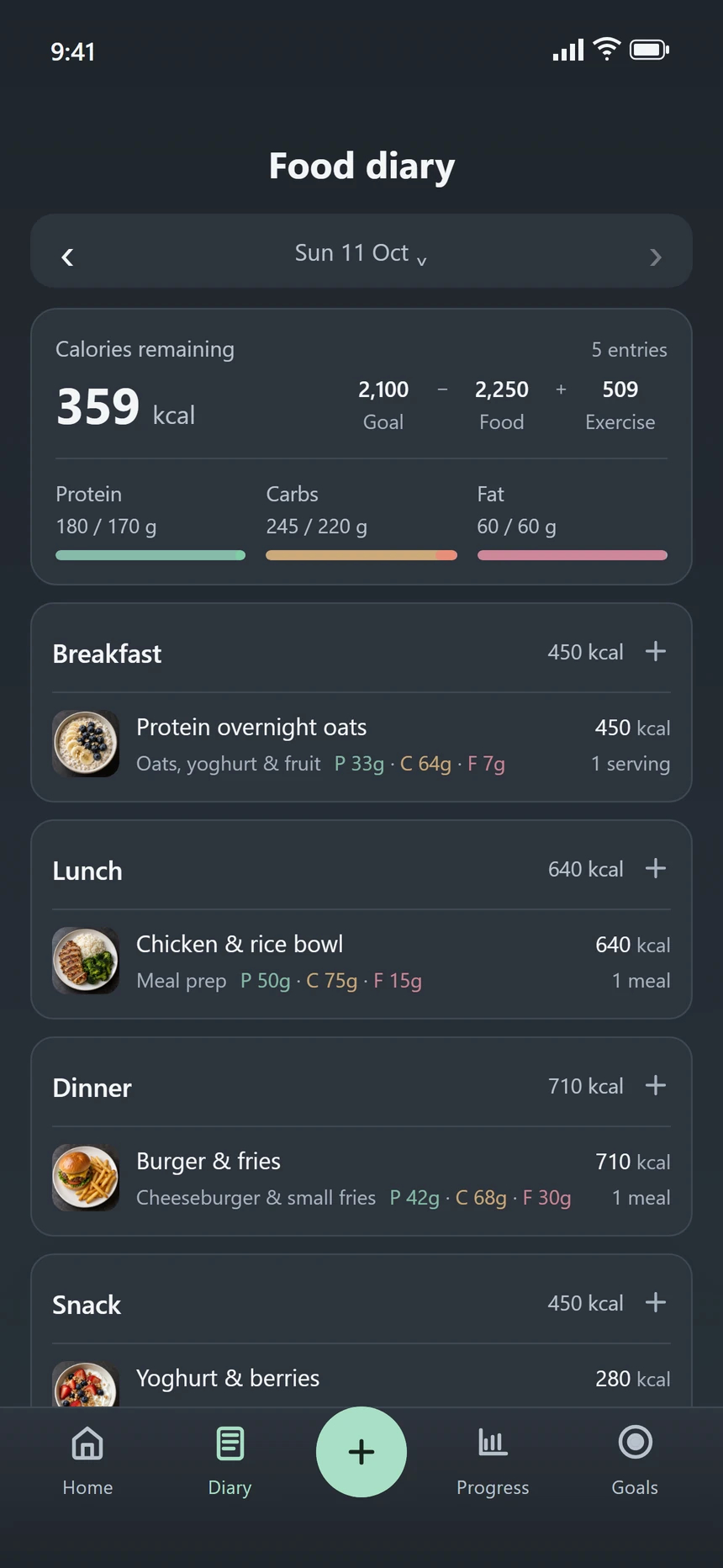
Check the foods and portions, then keep the record useful with edits when something needs correcting.
An estimate can be useful without being exact
Two similar-looking meals can use different recipes and amounts. A generous sauce, a different wrap size or an extra filling can change the nutrition while leaving the overall appearance familiar. Descriptions can leave out those details too.
Treat the result according to the information behind it. A meal you prepared and weighed gives you more detail to work with than a restaurant plate whose recipe you do not know. Make a reasonable correction where you can, rather than assuming the app can measure an unseen ingredient.
For meals you eat regularly, keep a checked version as a saved meal. That gives you a repeatable starting point and lets you change only the ingredients or portions that differ next time.
Know what is sent for analysis
Photo and voice meal analysis use online processing. The image or meal description you submit is sent to provide the feature, and your device’s speech provider may process audio. Avoid including personal details that are not needed to describe the food.
Your diary is stored on your device, and Uptick does not require a personal account. These local-storage choices are separate from the information submitted for an online analysis. The privacy policy explains the providers, service records and controls in more detail.