Choosing a tracker
Looking for a MyFitnessPal alternative? Here’s what’s free in Uptick
By Uptick3 min read
If you’re looking for a MyFitnessPal alternative, take the lunch you had yesterday and see what it would take to log it again tomorrow. You’ll learn more from one familiar meal than from a long list of features. Uptick is worth considering if you want free barcode scanning, saved meals and a diary on your phone without a personal account.
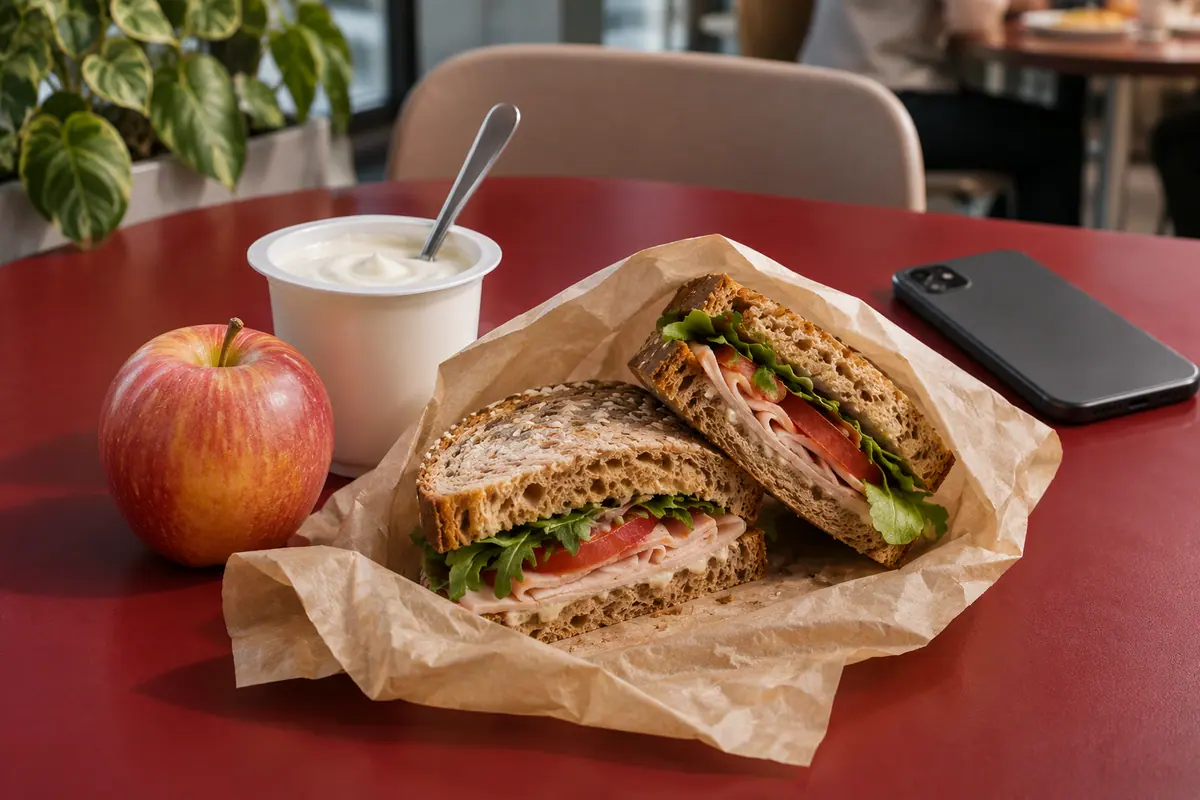
Suppose lunch is a wrapped sandwich, a pot of yoghurt and a piece of fruit. Each asks something different of a calorie tracker. Can you find the right sandwich, record half a pot and use a sensible estimate for the fruit? Can you change just one of those items next time?
Start with a food that has a label
Use the sandwich wrapper to check the exact variety, the quantity and the nutrition panel. A barcode identifies a product record. It cannot tell whether you ate the whole pack or one of the two triangles. A close-looking record can belong to a different sandwich with a different filling.
Uptick includes barcode scanning and manual entry in its free app. MyFitnessPal’s scanner help page lists barcode scanning as a Premium feature. If scanning a shop-bought lunch is part of most workdays, that difference matters more than an occasional feature. If you usually type ingredients, spend the comparison on search and saved meals instead.
Try half a pot and one loose apple
For an example 180 g yoghurt pot, half is 90 g. If the panel lists 8 g of protein per 100 g, the half-pot entry should show about 7.2 g. Check that the selected unit really is grams. If the entry uses whole pots, choose half of that exact pot where the portion controls allow it. You can also enter the values for the 90 g portion manually.
For a loose apple, choose an entry with a portion you can recognise or use its weight if you have it. A barcode test alone would never reveal whether the search and portion controls suit the other half of your lunch. Where a value is unavailable, leave it unknown. Inventing fat or carbohydrate grams to complete a screen makes the weekly totals less useful.
Make tomorrow’s version without starting over
Save the foods you actually repeat as a meal. If the sandwich and yoghurt are regulars but the fruit changes, save those two together. Tomorrow you can log that combination, then add the fruit you brought. When a portion changes, check it before logging. A saved meal should save typing and still leave room for a different appetite.
Now open the diary. Could you tell a whole pot from the half pot you ate? Can you find protein and carbohydrate grams for the day and see the lunch against your other entries? Those are the parts of the workflow you’ll use again.
Decide what happens to your old diary
Uptick keeps its diary on your device. Switching apps means starting a new Uptick record. If past entries matter to you, keep access to the previous diary and check its own export and subscription settings before removing anything. Installing a new tracker does not cancel a subscription with another service.
The sandwich lookup uses an online food service. Manual entry and previously saved meals can use the local diary. Photo and voice estimates send the input you choose for processing and have a weekly free allowance. Those distinctions are worth checking if your reasons for switching include privacy or patchy reception.