Food and habits
An offline calorie counter for the meals you can log without signal
By Uptick3 min read
An offline calorie counter is useful when you already have the information for the meal. In Uptick you can open the diary on your phone, enter nutrition from a label and reuse a meal saved on that device. Searching an online food database or submitting a photo or description for analysis needs a connection.
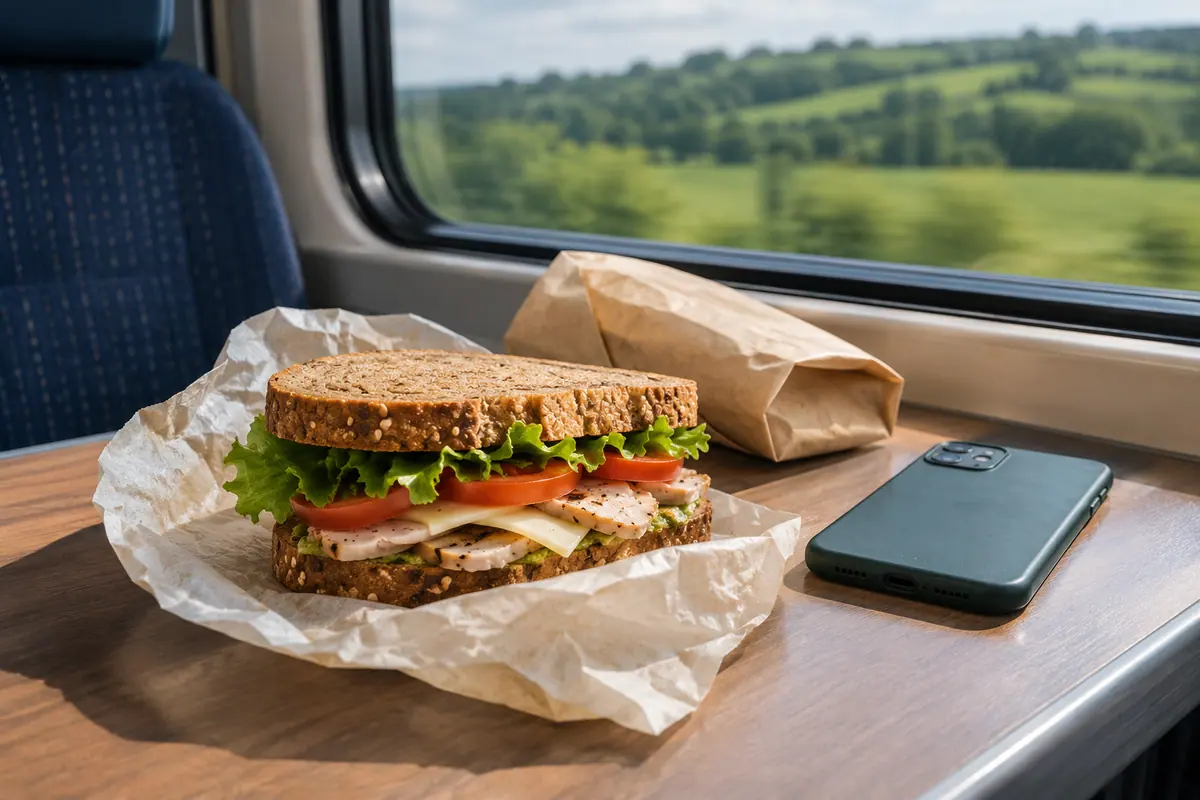
Picture lunch on a train. You have a carton with a nutrition panel, a homemade sandwich you have saved before and a café cookie with no label. Those three foods call for three different decisions. Only the last one gives you much reason to wait for signal.
Use the carton as your offline source
Check the quantity printed beside the nutrition values. Imagine a 250 ml carton labelled 46 kcal and 3.4 g protein per 100 ml. Drinking the whole carton gives 115 kcal and 8.5 g protein. If you drank about half, the estimate would be about 58 kcal and 4.3 g protein. Round to the precision that makes sense for the portion.
Choose Manual entry and name the serving clearly, such as “Carton, 250 ml”. Enter the amounts for what you drank and use one serving if you have already calculated the whole portion. Scale each known nutrient using the same basis. A brand or a size in the name helps you check it later.
Open a lunch already on your phone
Previously saved meals keep a combination of foods together on the device. If you saved your usual sandwich before the trip, select it from Saved meals and check its portion. A sandwich with an extra slice of cheese needs that addition included. If the filling changes, treat the new lunch as a variation.
This is useful preparation for any place with poor coverage. Save one or two meals you regularly buy or make while you have the source details to hand. A descriptive name like “Two-slice cheese sandwich, usual bread” carries more information than “Lunch”. The portion you select is still yours to check each time.
Decide what can wait for a connection
For the café cookie, you may know only the shop, variety and approximate size. Keep those details on the receipt or in a note if you intend to look it up later. If the shop eventually gives only energy per cookie, enter that known amount and leave the unavailable macros blank. Your daily macro totals will then cover the foods with known values.
A camera can see a barcode without internet, but a new product lookup still needs a food service to return a record. An image stored on your phone is also different from an analysed meal. Photo and voice analysis send information online with your permission. Continue with the saved lunch or manual entry while offline.
Check your own offline setup before you travel
With Uptick already installed and set up, open a saved meal, switch the phone to flight mode and revisit the diary. Try the steps you expect to need with an ordinary real entry. Check the chosen date and portion, then inspect the resulting row. Restore your connection whenever you are ready to use an online feature.
Your diary lives on this phone. If you are taking a second device, check that it actually contains the meals you need. A meal recorded on one phone does not appear on another through an Uptick account.