
Understanding your numbers
Apple Watch active vs total calories in a food diary
By Uptick3 min read
Active calories estimate energy used through movement. Total calories for the same period also include energy used at rest. A workout summary, the Move ring and a food diary can therefore show three different figures for a day, even when each is doing its job.
The figure Uptick can add to a calorie budget is imported active energy. To understand a change in the diary, start by matching the date and the length of time you are looking at. A watch workout might cover 45 minutes. Your Move ring covers movement throughout the day.
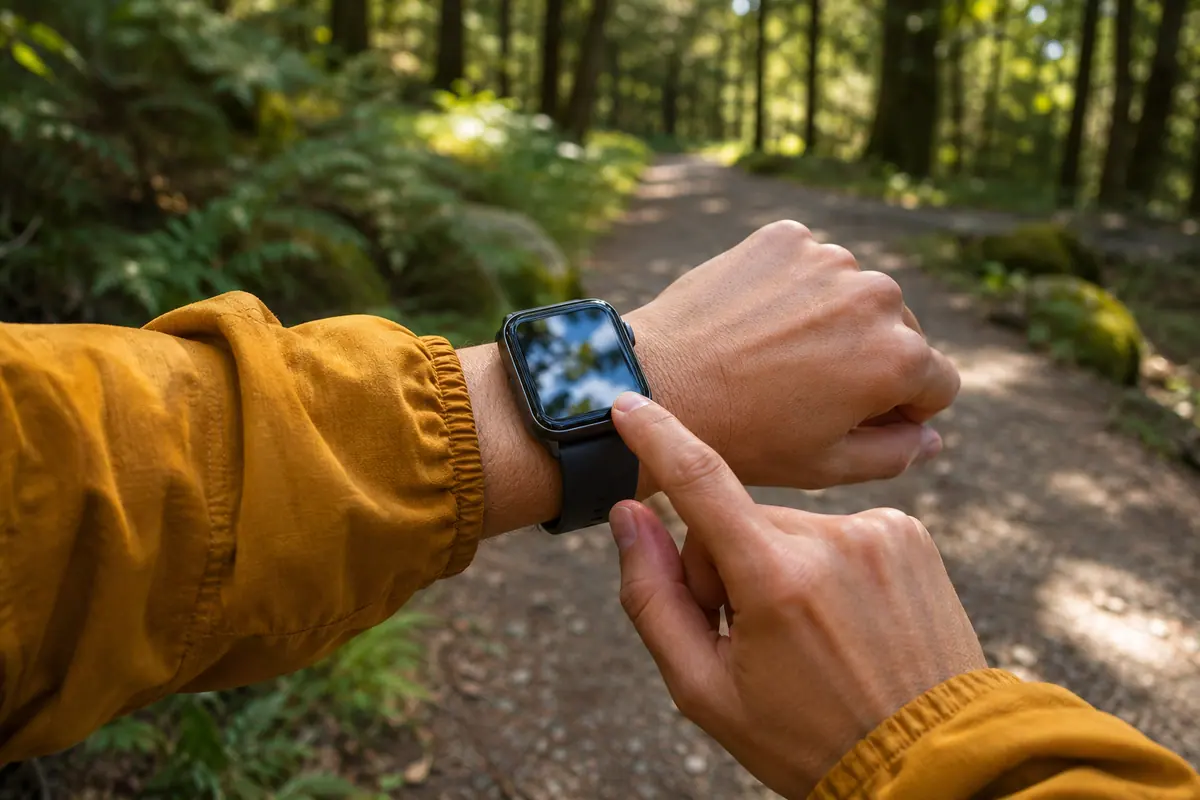
Separate the workout, the day and the food
Imagine a walk whose workout summary shows 180 active kcal and 230 total kcal. The 50 kcal difference is the estimated resting component during those same minutes. The 180 kcal of movement are already part of the 230. Later trips upstairs can add to your daily active energy even though the walk is over.
Apple’s Move ring for adults shows active calories through the day. If the daily figure later reads 350 kcal, the walk’s active calories have contributed to that day. Adding 180 to 350 would count the walk twice. Adding the whole workout total would include its resting component too.
Read the calorie-budget calculation
Uptick’s Add exercise calories setting controls whether imported active energy contributes to the calorie budget. The formula starts with your chosen calorie target, subtracts the food you have logged and adds eligible active energy when the setting is on. The macro targets for protein, carbohydrate and fat stay as set.
Take an illustrative day with a 2,000 kcal target, 1,700 kcal logged and 250 active kcal imported. The adjustment gives 2,000 − 1,700 + 250 = 550 kcal remaining. Turn the setting off and the same food diary shows 300 kcal remaining. Your intake has stayed at 1,700 in both views. These figures illustrate a display setting and do not set a personal intake target.
Trace a difference before editing a food
When the watch and diary appear to disagree, record the labels beside the numbers first. “Total” on a workout card, “Active Energy” for the day and “Remaining” in a food diary describe different quantities. Compare the same calendar date, then check whether the activity has reached Apple Health since the end of the workout.
- Open the workout details to check the time period and whether the figure is active or total.
- In Health, look up Active Energy for that date. Check the contributing source if the value surprises you.
- Check that Uptick has permission to read the relevant activity and allow it to sync. Under Settings and Preferences, check Add exercise calories.
- Return to the diary and compare its imported exercise term with the intended daily activity value. Keep the walk as a single contribution.
Use the watch as an estimate
Apple uses personal information and sensor measurements to estimate energy use. A loose watch, an outdated profile or the workout type can affect the estimate. If the underlying activity value looks unexpected across several days, Apple’s measurement guidance is a better starting point than changing diary portions to match it.
A day can also have incomplete activity coverage because the watch spent time charging. The diary still records the meals you log. Keeping activity and food as separately sourced values lets you explain the gap later.